An earlier version of this page, kept as it was (blog commit 0081732). Read the current introduction.
Introducing PDF: fill and sign a document without changing it
Early in 2026 the market gave a name to a fear: the SaaSpocalypse. The worry was that if software can be summoned on demand, a lot of software sold by the seat and by the month stops being worth paying for. Most of the argument was about spreadsheets of revenue multiples. This app is the argument at the size of one person.
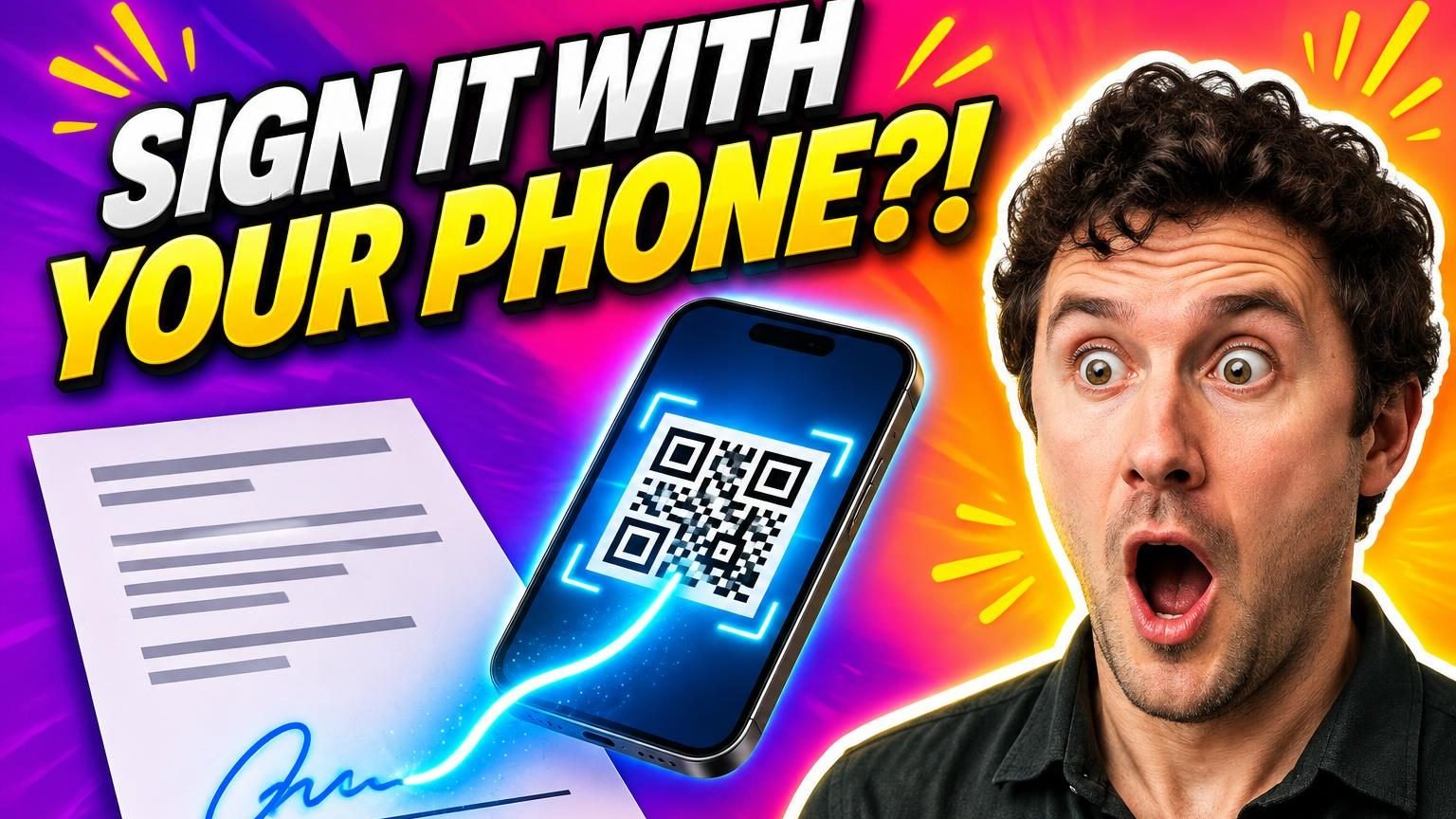
Misha had a minor niggle with his PDF signing software. Not a crisis; the kind of small friction you normally live with, because the alternative is shopping for another subscription. Instead he asked his mind for his own. It was ready in minutes, and the bells and whistles followed the same day: signing on a phone through a QR code, a pad for drawn signatures, photos of ink on paper turned into clean transparent signatures, and an agent that fills the form in for you. Nobody priced it, nobody sold it, and it fits exactly one person's habits, because it was made for exactly one person.
That is the strange economics of it. The app is worth a great deal to its one user and nothing to anyone else, and nobody had to decide whether it was worth building. Whether that sinks software companies is not something one PDF editor can settle. It does show what changes when "build it" becomes cheaper than "find it".
So there is no link here: PDF is members-only, on its own host behind the mind's sign-in. It is for Misha and his mind's agents: an agent that prepares a document can hand him a link to it, and he finishes it in the editor.
How it works
Open a document and it renders in the browser with PDF.js. One compact menu bar holds everything: File, Edit, Insert (text, today's date, saved shortcuts, a picture), View, Signatures and AI.
Choosing a piece of text or a signature puts it straight onto the middle of the part of the page you are looking at, with no second tap. Drag it to move it, use the square handle to resize and the circle to rotate, double-tap text to edit it. Signatures are drawn on a pad, cropped onto a transparent background, and kept in the browser along with a few named text shortcuts, so they never sit in shared storage until they are placed on a page.
Edits autosave a second and a half after the last change. The save never touches the original: it writes a separate sidecar listing every placement in editable form, plus a pointer to an exported copy. Reopening the original restores the sidecar, and revision checks refuse a stale tab instead of overwriting newer work. The export, made in the browser with pdf-lib, keeps the original pages and adds the ink as high-resolution transparent overlays. This is drawn signing and filling, not a cryptographic signature or a form-field editor, and the app says so.
When the document is done, File → Send to agent tells the agent that prepared it where the finished copy is. That message claims nothing about the document having been posted or submitted.
Signing on a phone
Signing with a mouse is unpleasant, so on a wide screen the signature dialog shows a small QR code. Scanning it opens a public, blank drawing page on the phone; no sign-in is needed there. The page can do exactly one thing: send one signature image back. It cannot read any document or any signature, including the one it just sent.
What makes that safe is the ticket inside the QR code. It is signed by the server, carries the time it was created, and is good for 300 seconds from that moment, however long the phone takes to scan it. Loading the page claims the ticket once and swaps it for an upload-only secret; a second scan loses. Only the open editor, holding a separate receiver secret that never appears in the code, can collect the image, and collecting it deletes the temporary copy.
type Ticket = { nonce: string; createdAt: number; receiverHash: string; mac: string };

function claim(ticket: Ticket, now: number, claimed: Set<string>) {
  if (!validMac(ticket)) return null;                  // created by the server, unaltered
  if (now > ticket.createdAt + 300_000) return null;   // counted from creation, not from the scan
  if (claimed.has(ticket.nonce)) return null;          // single use: a re-scan loses
  claimed.add(ticket.nonce);
  return { uploadSecret: randomSecret() };             // can send one image, read nothing
}
The code on screen refreshes silently each minute for five minutes, then offers a New code button. The same handoff carries full-colour pictures, with a ticket bound to that purpose so a signature ticket cannot upload a picture or the other way round.
A photo of a signature on paper works too: drop, paste or pick it, and code in the browser turns it into black ink on transparency. No image service is called and the original photo never leaves the device.
Filling it with an agent
AI → Fill for me opens a chat drawer, the same chat component the Agents app uses, with a ready-to-edit request. Opening it starts nothing. Sending it starts, or continues, one agent per document, which can read the original pages and the current edits and then propose text and boxes through a small capability installed for it. The open editor applies a proposal as one undoable change, and only if neither the source nor the edited copy has moved on and no manual edit is unsaved.
Two kinds of box need a person. A question box holds the agent's note and sources and becomes ordinary text once answered. A signature box is a target: each click cycles through the browser's own saved signatures and back to empty. The agent can find where to sign; it can never choose or place a signature.
How it was built
The whole app arrived on 22 October in one day of commits by the mind: the editor in the morning, phone signing by early afternoon, AI filling and pictures by the evening. It has no build step for its own UI. Its theme, fonts and the chat drawer's module graph are self-hosted the way this config ships built files, by committing a manifest of content-hashed files, after an iPhone screenshot showed that a failed external stylesheet could leave the page in serif type with transparent dialogs. The agents' access to documents is a rewrite rule like any other capability.