An earlier version of this page, kept as it was (blog commit 31bb3d1). Read the current introduction.
Introducing JSONata: a playground that runs as you type
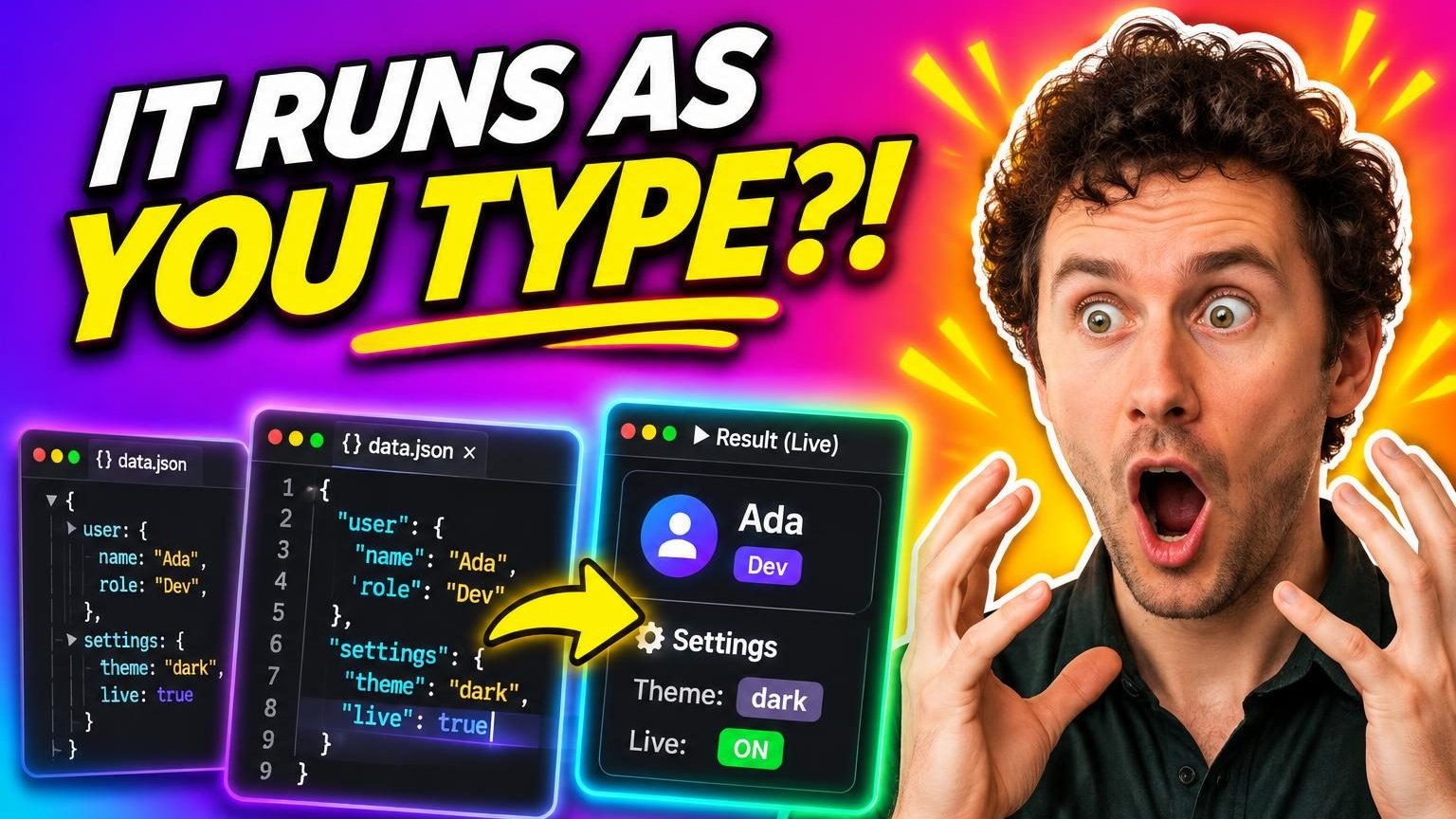
The JSONata playground is a place to try JSONata, a small language for querying and reshaping JSON, without installing anything. Paste some JSON, type an expression, and the result appears as you type. It is for anyone learning the language, debugging an expression before it goes into code, or showing someone else what an expression does.
It runs on Misha's fork of the language, mmkal/jsonata, which adds a synchronous API. The playground uses that synchronous build, at the version named in the page's header.
How to use it
The page has three editors: the input JSON, the expression, and the result. Evaluation runs a moment after you stop typing, and Ctrl-Enter (Cmd-Enter on a Mac) runs it at once. The expression editor highlights JSONata syntax, completes $function names (with their arguments and a one-line description), variables and the field names in your input, and marks an error at the position the parser reports it. A bad input is reported as invalid JSON rather than as a confusing expression error.
If you don't have JSON to hand, there are five example payloads, one button each: shop orders, contacts, an API response, logs, and a file tree. Each comes with a handful of expressions that each demonstrate one feature, with a one-line note on what it shows: walking arrays with a path, building an object per item, grouping, filtering and sorting, transforming a copy of the input.
Below the editors is a general cheat sheet in fifteen sections (paths, filters, operators, transforms, dates and more), with a filter box to narrow it down. Most entries have a Run button that loads the expression, against the example payload it was written for or against your current input, and an Edit button that puts it in the editor to change. The full reference is the JSONata documentation.
Sharing and saving
The Share button packs the expression and the input into the link itself: the two are compressed and encoded into the part after #, and the link is copied to your clipboard. Nothing is uploaded, and opening the link restores both editors. Separately, your last expression and input are kept in your browser's local storage, so a reload brings you back where you were. The server keeps nothing.
A runaway expression can't freeze the page
JSONata can recurse, and an expression can loop forever. So evaluation doesn't happen on the page's main thread. It runs in a Web Worker, and if the worker hasn't answered within three seconds, the page kills it, reports a likely infinite loop or runaway recursion, and starts a fresh worker for the next run:
function evaluate(expression: string, input: string, timeoutMs = 3000) {
  if (!worker) worker = spawn();
  return new Promise((resolve) => {
    const timer = setTimeout(() => {
      worker.terminate(); // the only reliable way to stop a busy loop
      worker = null;      // the next run starts a fresh one
      resolve({ error: `Timed out after ${timeoutMs / 1000}s. The worker was restarted.` });
    }, timeoutMs);
    pending.set(nextId, { resolve, timer });
    worker.postMessage({ id: nextId++, expression, input });
  });
}
The worker also reports how long each evaluation took and what kind of value came back (an array of how many, an object, a string), which the status line shows next to the result.
Where it came from
The playground was added on 3 November 2026: Misha asked for one on his fork, with CodeMirror editors, buttons for example payloads, expressions per payload that demonstrate features, and a general cheat sheet.
A few build details are worth knowing:
- Everything is bundled and served from the project. On the day it was built, the CDN it would have loaded CodeMirror from returned empty bodies for some of its files. Now the browser code, editors and the jsonata build included, is bundled at build time and served from the project's own file storage, by the pattern described in Commit the manifest, not the build. Only the page's fonts come from elsewhere.
- Every example is tested. A spec evaluates every example expression against its payload, and every cheat-sheet Run entry against the payload it names, and requires each to produce a result. An example that stops working fails a test, not a visitor.
- A worker needed a small shim. JSONata's
$base64encodeand$base64decodeuse the browser'swindow.btoawhenwindowexists and Node'sBufferotherwise, and a worker has neither, so they threw. The worker defineswindowas itself before loading the library.